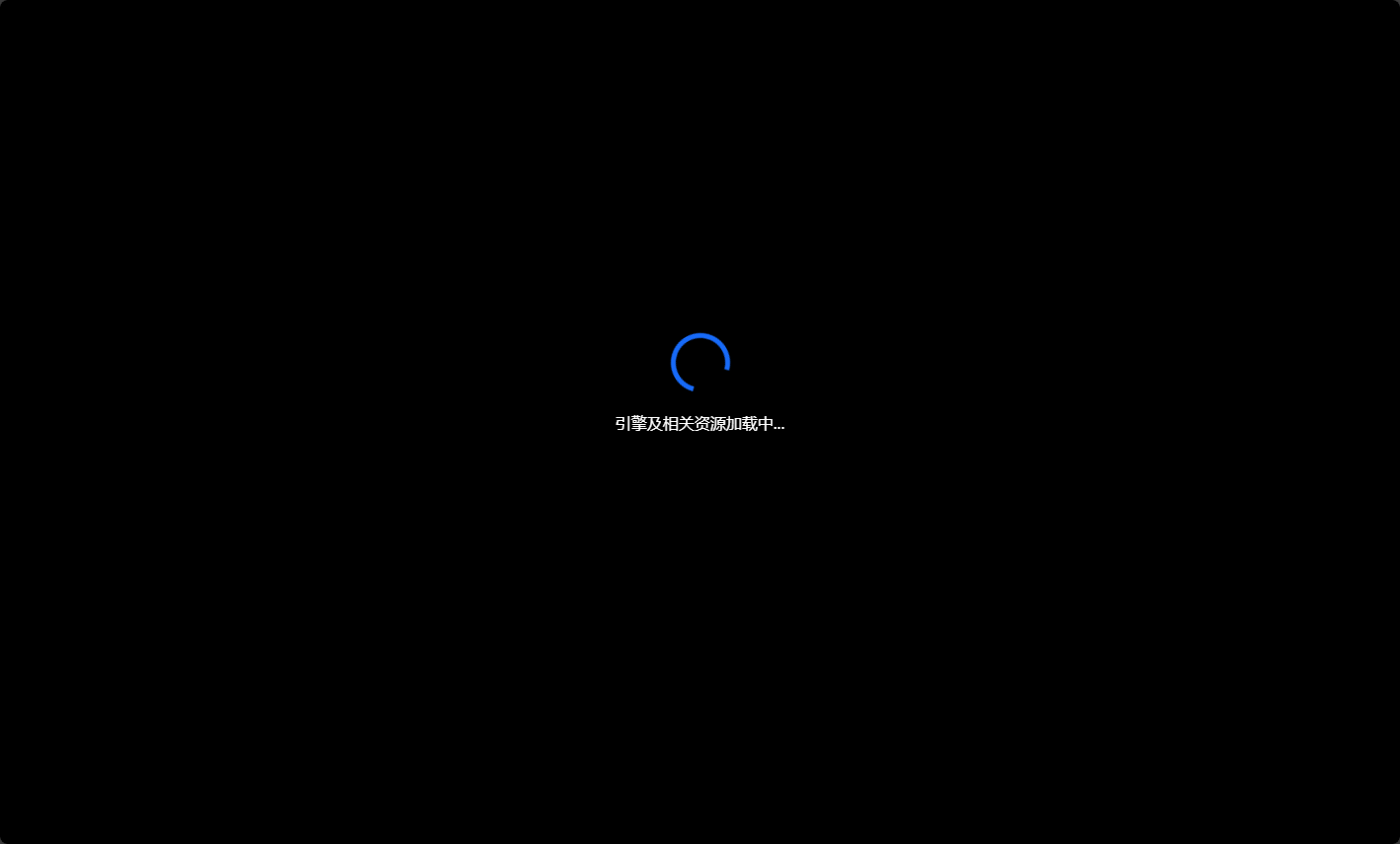
首屏加载动画
Javascript 原生方法
方法介绍
你可以使用 Javascript 原生方法进行首屏加载动画的设置,提升浏览体验感。
使用方法
找到你的项目路径 public/index.html。
将内容修改为以下代码:
html
<!DOCTYPE html>
<html lang="">

<head>
  <meta charset="utf-8">
  <meta http-equiv="X-UA-Compatible" content="IE=edge">
  <meta name="viewport" content="width=device-width,initial-scale=1.0">
  <link rel="icon" href="<%= BASE_URL %>favicon.ico">
  <title>
    UniCore 项目
  </title>
</head>

<style>
  body {
    width: 100vw;
    min-height: 100vh;
    position: relative;
    background-color: #000000;
    margin: 0;
  }

  #app {
    background-color: #ffffff;
  }

  .loading-model {
    width: 100vw;
    height: 86vh;
    display: flex;
    align-items: center;
    justify-content: center;
    position: absolute;
    top: 0;
    z-index: -1;
  }

  .loading {
    width: 50px;
    height: 50px;
    border: 5px solid #176af8;
    border-bottom: #000000 5px solid;
    border-radius: 50%;
    -webkit-animation: load 1.1s infinite linear;
  }

  .loadText {
    color: white;
    width: 100%;
    height: 100%;
    display: flex;
    align-items: center;
    justify-content: center;
    position: absolute;
    z-index: -1;
  }

  @-webkit-keyframes load {
    from {
      transform: rotate(0deg);
    }

    to {
      transform: rotate(360deg);
    }
  }
</style>
</head>

<body>
  <div id="app">
  </div>
  <div id="appLoading" class="loading-model">
    <div class="loading"></div>
  </div>
  <div class="loadText">引擎及相关资源加载中...</div>
</body>

</html>
结果展示
刷新网页,你会发现首屏加载动画取代了白屏。